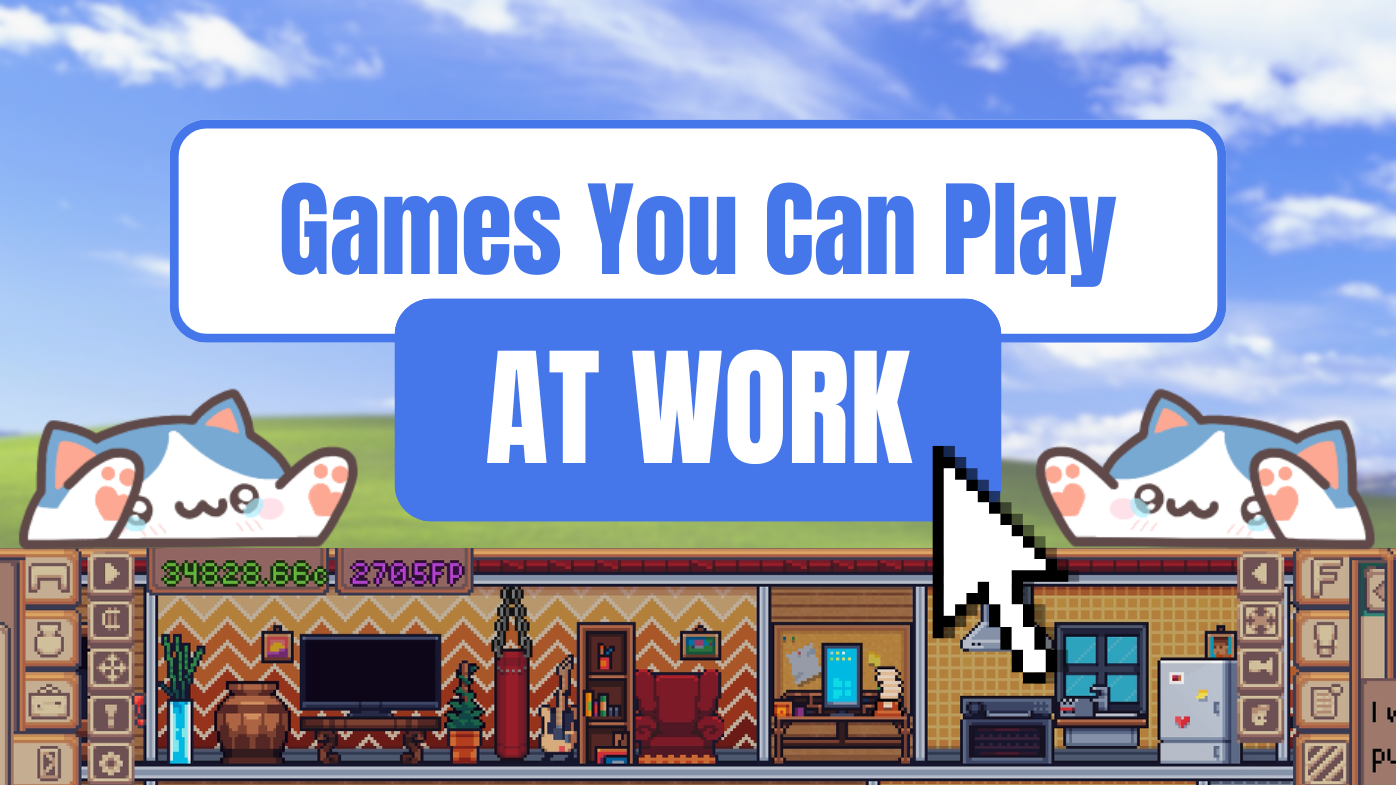
The Sims franchise is by far one of my all-time favourites, so when My Little Life was pitched to me as, “The Sims but for the bottom of your computer screen,” I was immediately sold.
Developed by indie developer 9 Finger Games, My Little Life is a life simulation game that runs at the bottom of your screen, letting you concentrate on other tasks while occasionally checking in on your little characters. You can watch as they go about their daily lives, design and furnish their homes, and work towards achieving their aspirations.
Since my review of Rusty’s Retirement last year, I have been on an idle-game bender. Cookie Clicker, Leaf Blower Revolution, Idle Champions; these games have become the backbone of my free time. In a world that is so time-poor, a game that largely plays itself in the background while you work is exactly the kind of miniature dopamine-hit you might be looking for.
With so many great games in this genre to choose from, why should you pick My Little Life?
My Little Gameplay
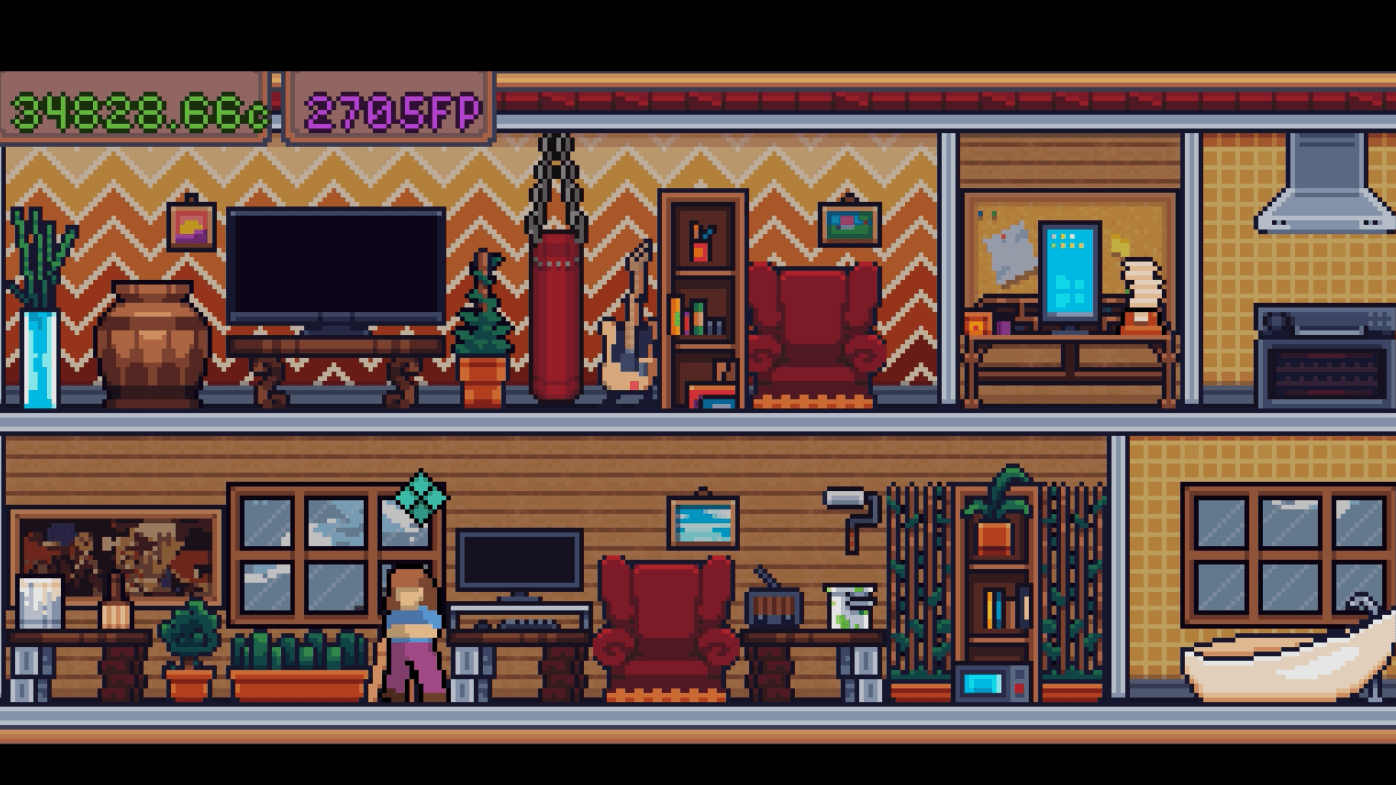
At the core of My Little Life is its non-intrusive nature. The game runs seamlessly in the background, allowing you to multitask while your characters live their lives autonomously — unlike the micromanaging nature of The Sims. The only times you intervene are to unassign them from their jobs (essentially giving them a break), or to customise and build their homes. This offers a mix of idle mechanics and active engagement that is perfectly balanced.

When it comes to customising homes, this game offers a slew of decorative objects for you to furnish your characters’ spaces. Furniture, props, and wall hangings may include tags tied to a character’s needs or career requirements. Juggling a character’s private space to include all the objects they need to both survive and thrive can be a challenge, but it’s one of the game’s most enjoyable aspects.
READ MORE: Review | Rusty’s Retirement (PC)
Each character needs their own designated space in order to use most furniture items. The primary objects that are not shared communally include bathroom furniture, bedroom furniture, and items necessary for their specific jobs.
Speaking of jobs, each character can pursue a career that requires certain items and skills to progress (very similar to The Sims). These careers generate income, which is pooled for collective use and can be spent however you see fit.

Overall, the game features a balance of long-term goals — such as career progression and character recruiting — and short-term achievements — decorating and building — that feels incredibly satisfying.
My Little Desktop Distraction
In fairness, My Little Life will only distract you as much as you let it. This is because the game has one incredibly nifty feature: the ability to toggle “always on top”. This allows you to decide whether the game should always be on top of all other programs open on your computer, or if it should disappear behind that word document that you have been trying to write a review in for the last half an hour but keep stopping to buy another piece of furniture for your character’s house… totally not speaking from experience.

The music and sound effects, while cute, can also offer more of a distraction if you’re trying to multitask. The game includes settings to turn the sound effects, UI volume, and music up or down independently. I personally preferred to have it muted while I worked so I could enjoy the idle nature of the game without the added distraction.
READ MORE: Quest Daily’s Top Indie Games of 2024
My Little Graphics
My Little Life has a simple yet charming pixel-art design. Its small and minimalist style compliments its idle-game nature. That being said, the characters feature subtle but clean animations that make them feel alive. My favourite animations are when the characters talk to one another.
The game offers three window sizes that you can switch between in a “suburbs” playthrough (bottom-top position), and two you can switch between in a “city” playthrough (side-bar position). You can also use the zoom button on the UI to toggle window sizes. However, the largest window size makes the user interface (UI) feel cluttered and overwhelming, and the smallest window size makes the UI almost impossible to read. I recommend playing the game in the default size for the best experience, though the larger UI might come in handy for those with visual impairments.

The UI offers a variety of menus and buttons, which can feel a bit overwhelming at first. If you’re unsure of what each button does, simply try one and find out. You can not break the game or harm your characters by experimenting with the buttons to see what they do. The game does a good job at slowly tutorialising you on most of the menu options, however there are a few features I only discovered by exploring on my own. My Little Life’s UI is certainly not its strongest feature, but it is still navigable without too much hassle.

My Little Characters
Part of my love for these sorts of games derives from my childhood obsession with my Tamagotchi. The idea of having a virtual “living” thing that I can take care of without any real-life repercussions is certainly appealing. It’s kind of like being the fun aunt — you get all the joy that children bring, before sending them home to their parents who have to do the nitty-gritty work.
READ MORE: Five Levels In Donkey Kong Country Returns HD That Had Me Singing From The Treetops
Each character will come with their own aspirations that you help them achieve. Some are straightforward, like buying them an object they desire, and some are more involved, such as giving them time to learn an instrument or improve their fitness. Completing these aspirations earns “fulfillment points,” which can be used to unlock new objects for decorating and building. This mechanic makes each little person feel like a unique individual while still maintaining the simplicity of the game’s design.
At the start of the game you will have a single character. As the game progresses, you’ll have the opportunity to recruit and manage additional characters. You can have a total of six characters living in your town at a time.

Career Driven
Each character will need a career in order to earn credits, which can be used to buy items to furnish and build their homes. There are a total of six careers, one for each character, and each career has multiple levels of progression. As characters grow in their careers they will earn larger paychecks, which will help fund those higher-tier objects you need in order to increase their needs and fulfill their desires, thus driving the core gameplay loop.
If humanoid characters weren’t enough, then try this on for size: the game also includes pets. You can recruit up to five pets, each one doing literally nothing except existing on your screen. They don’t require ongoing maintenance, financially or otherwise. They are simply adorable.

Should You Buy My Little Life?
My Little Life is a charming take on both the life simulation and idle game genres. Its perfect balance of active and passive gameplay provides a dopamine hit that makes it an ideal distraction for any multitasking routine. While it’s UI could use some work, it’s easy-to-manage characters, customisable homes, and satisfying idle gameplay mechanics do the job well — you’ll want My Little Life at the bottom of your computer screen.
If you enjoy games like The Sims or Rusty’s Retirement, My Little Life is definitely worth your pennies.
Quest Daily scores My Little Life:
7.5/10
My Little Life releases on February 1st on PC via Steam.
A review copy of My Little Life was supplied to Quest Daily for the purpose of this review.